The document nobody reads, as a video people watch.
Upload the policy, handbook or training deck you already have. You get a short narrated explainer built from its own words and figures, and you can fix any sentence afterwards.
PDF, Word, PowerPoint or plain text. Or describe the topic in a sentence.
- file types
- 5
- file types
- looks
- 4
- looks
- languages
- 14
- languages

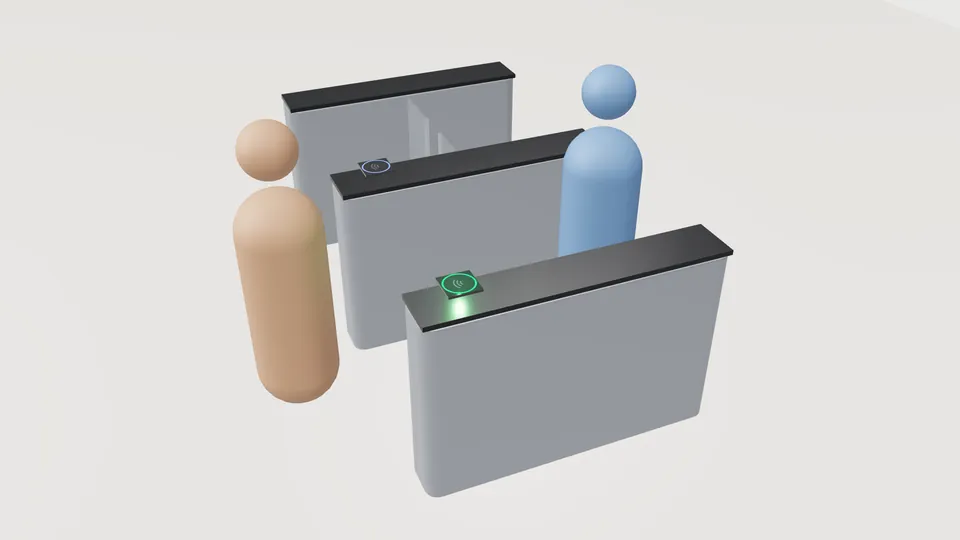
Document in. Video out. Fix the text.
No video skills, no editing timeline. Three steps you can do on your own.
- 01
Drop in the document
The policy, handbook or training deck you already have, as PDF, Word or PowerPoint. No document? Describe the topic in a sentence.
- 02
Get a narrated video
Scenes are built from what your document says: its own terms, its own numbers, its own figures on screen. The length follows the material.
- 03
Fix any sentence
If a line is off, open that scene, correct the text and render again. No starting over, no video editor.
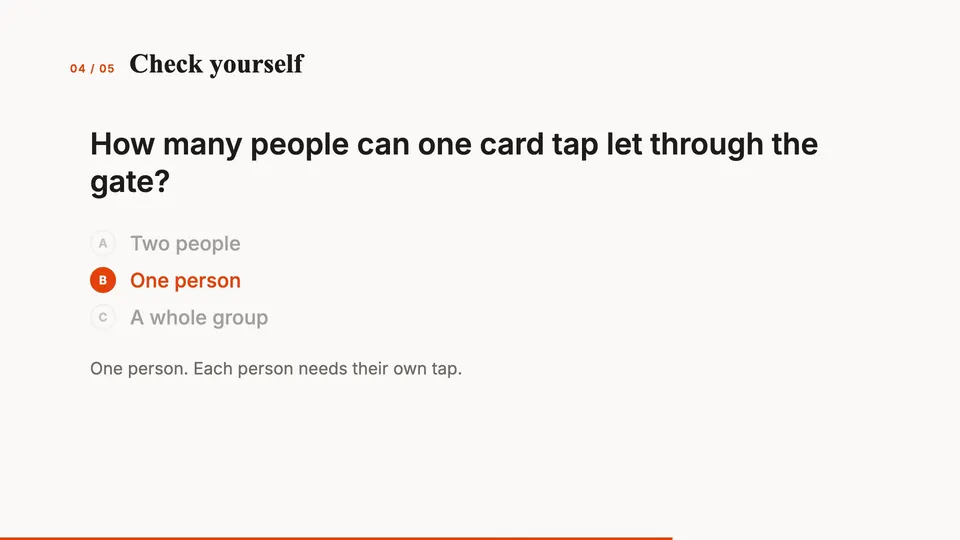
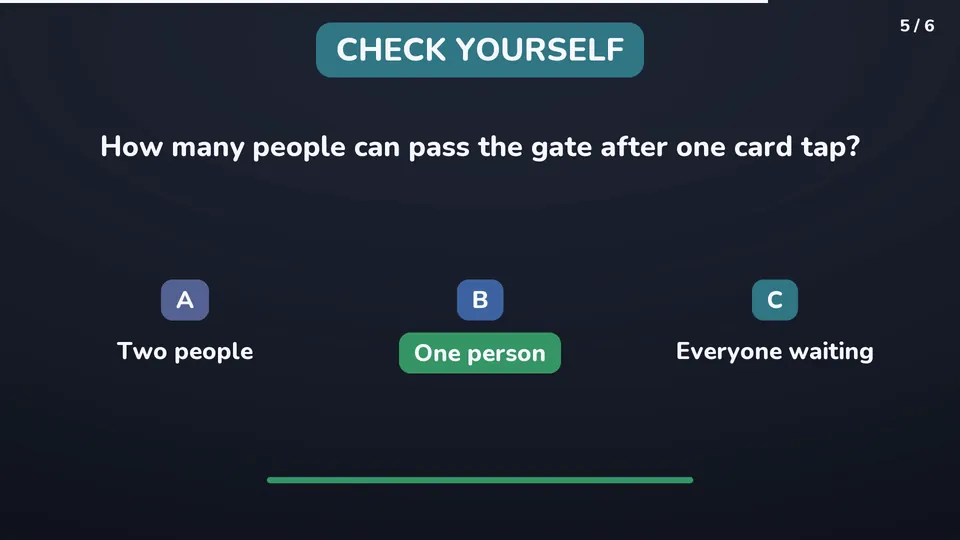
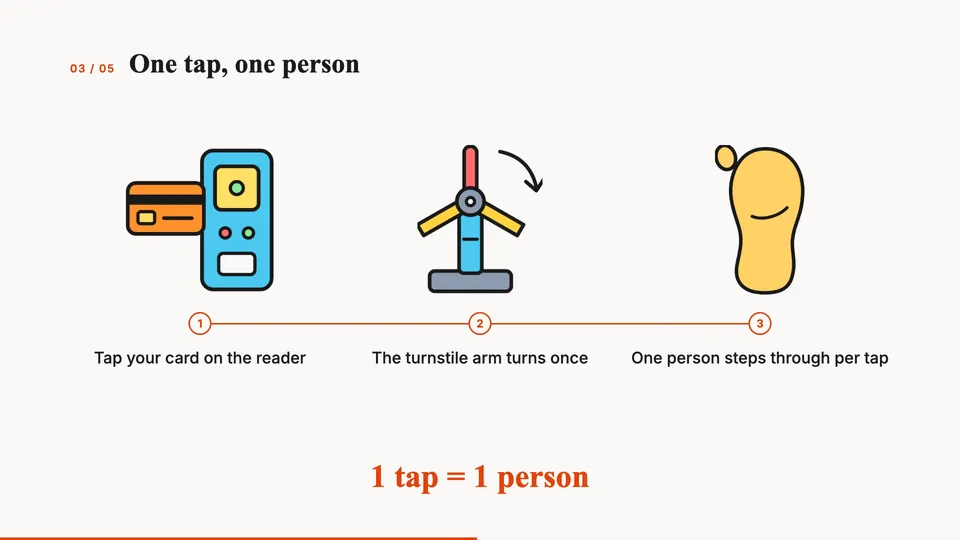
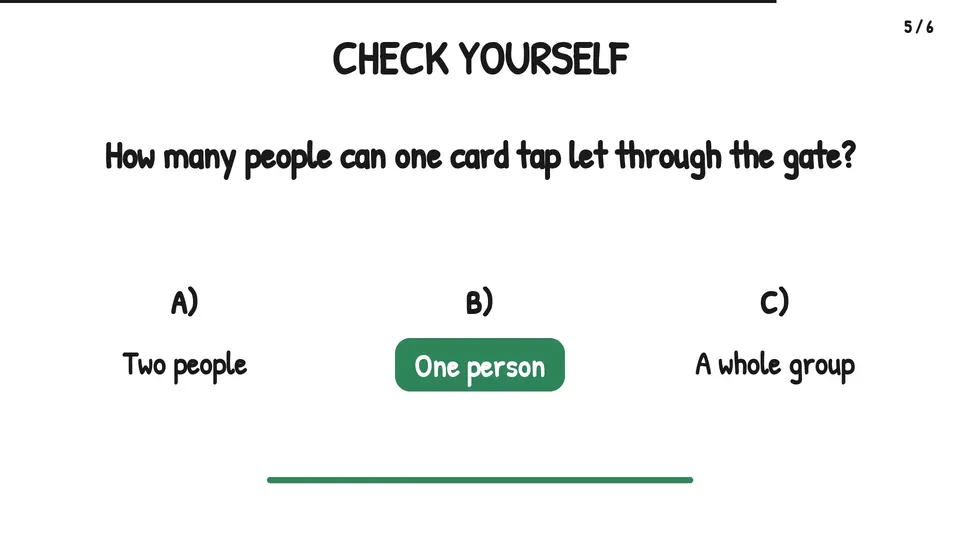
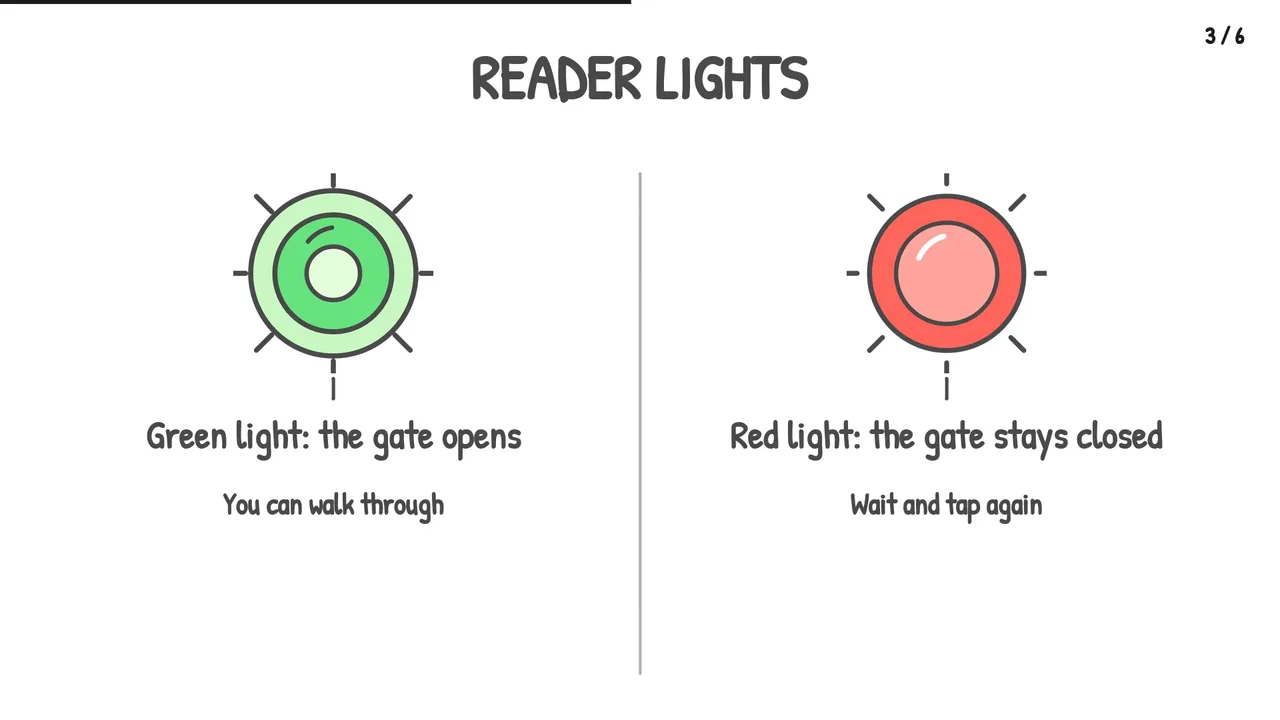
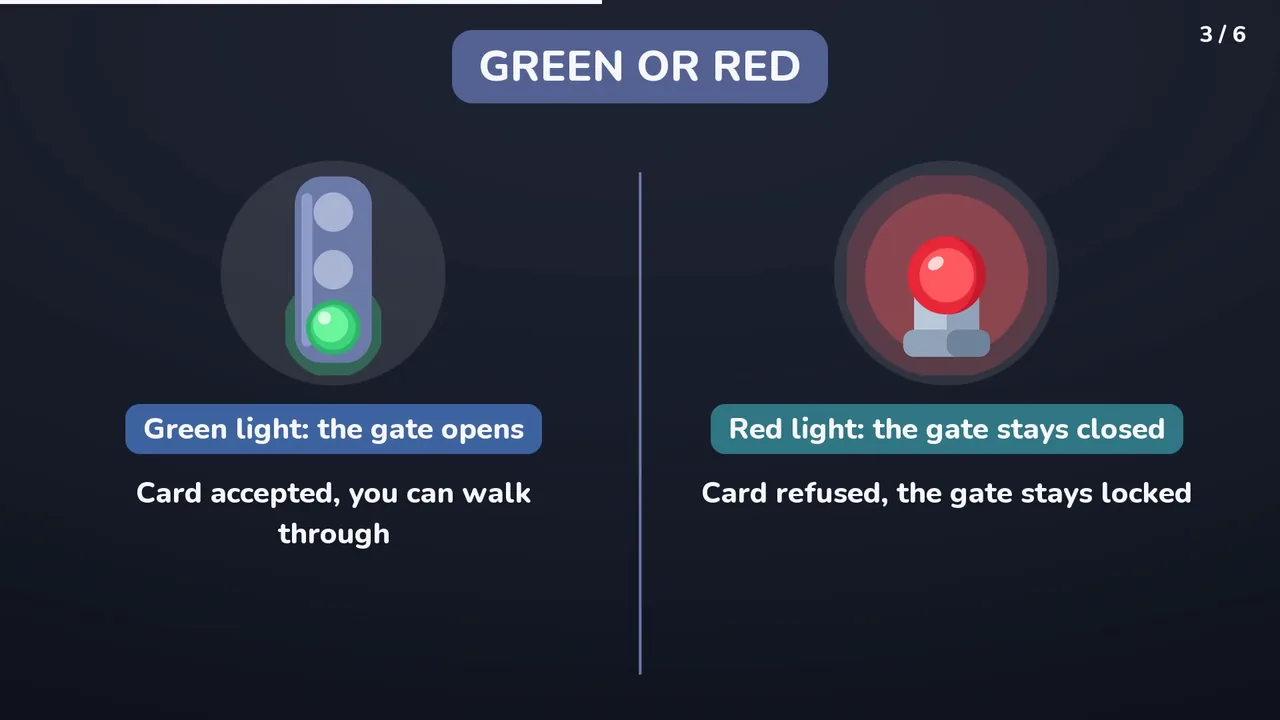
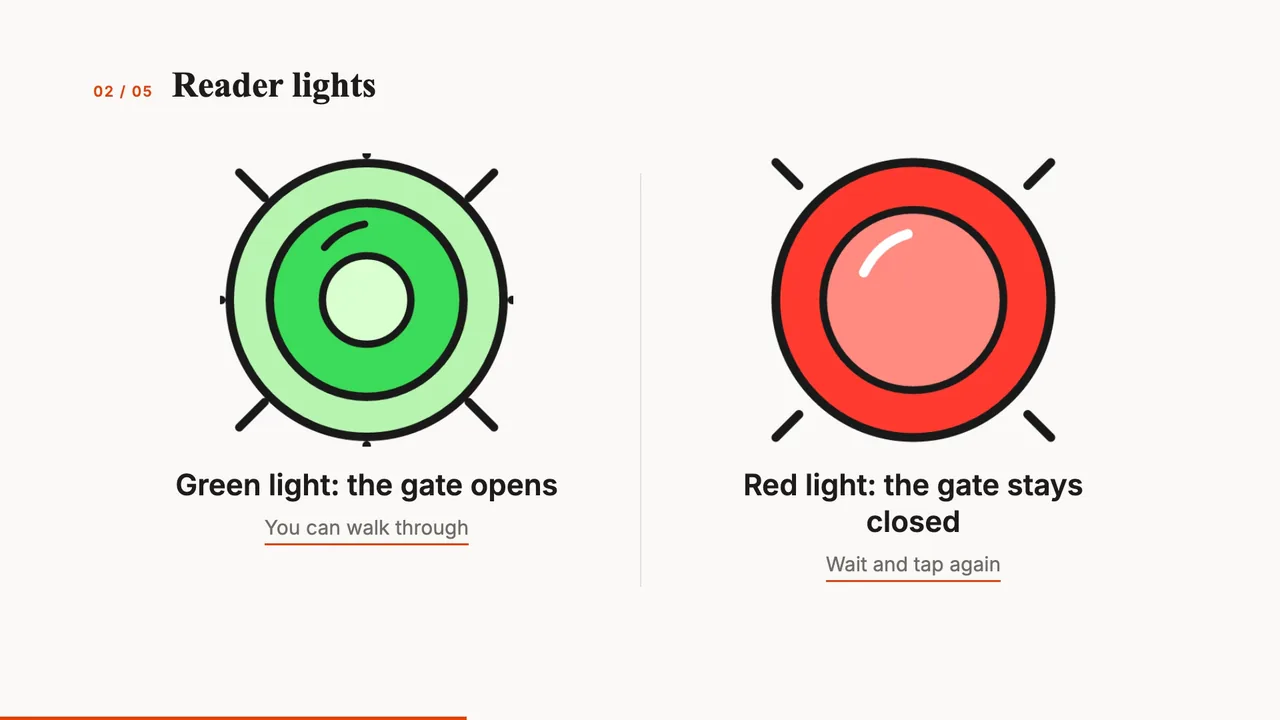
Pick the look that fits the room.
Every still below is a frame of a real video made in that look.

What the video does with your material.
- Your figures, not stock icons
- The charts, process diagrams and pictures in your document appear in the scene where the narration talks about them.
- Your words, nothing invented
- The video keeps to what the document says: its terms, numbers and deadlines.
- Your brand
- Add your logo and main colour. The opening card and the highlights carry them.
- A check question at the end
- The video closes with a short question, so viewers find out whether the key point landed.
- Captions on the picture
- Turn on captions drawn into the video, so it still teaches with the sound off.
- 14 narration languages
- Pick the language, then listen to the narrator voices and choose one.
Made for the people who own the document.
- Compliance training →Your safety policy, as a training video people sit through.
- Course creators →Your course material, as video lessons you can offer.
- Employee onboarding →Your employee handbook, as an onboarding video new starters watch.
- Software teams →Your product docs, as videos that explain the feature.
- Educators →Your lecture notes, as an explainer for the class.
- Consultants →Your report, as a video summary the client watches.
- Healthcare and finance →Your information sheet, as a video that keeps to what it says.
- Students →Your notes, as a revision video before the exam.